Sleep and ambient channels publish everything from 1-hour to 12-hour videos. There is no single right answer, but each length has a clear use, and you can check what is working in your niche before you render. Here is how to choose.
In this guide
What each length is used for
- 1 hour. Short study or focus sessions, meditation, a nap. Easy to finish, good for testing a new sound or scene.
- 2 to 3 hours. Study and work blocks, reading, an evening by the fireplace.
- 8 hours. A full night's sleep. The most common length for sleep and rain videos.
- 10 to 12 hours. All night with margin, babies' sleep, or leaving it on all day in a room or shop. Viewers who search for "10 hours" do not have to restart it.
Length and watch time
A longer video does not get more views just because it is longer. What it can do is keep each viewer for longer, because sleep listeners leave it running. That watch time is valuable for a channel. But a viewer who wanted 1 hour of study music may skip a 10-hour video, so matching the length to the use matters more than going as long as possible.
Check what works in your niche
Instead of guessing, look at the videos that are getting views right now. Our free Chrome extension Ambient Niche Radar adds an estimated views per day badge and the length to every YouTube search result:
- Search for your topic, for example "thunderstorm sounds for sleeping".
- Look at the badges: which lengths have the highest views per day?
- Use the length filter to show only videos over 1, 3 or 8 hours and compare.
Views per day is a better signal than total views, because it shows what is being watched now rather than what was popular years ago.
A simple publishing plan
- Start with the length that does best in your search results, often 8 or 10 hours for sleep topics.
- Add a 1 to 3-hour version of the same scene for study or napping audiences.
- Compare your own videos after a few weeks and do more of the length that keeps viewers longest.
Making any length
With a loop renderer, length is just a number. In RenderCore you set Total (min): 60 for 1 hour, 180 for 3 hours, 480 for 8 hours, 600 for 10 hours. The clip repeats and the audio plays continuously, so making a second length of the same video takes minutes of your time, not hours.
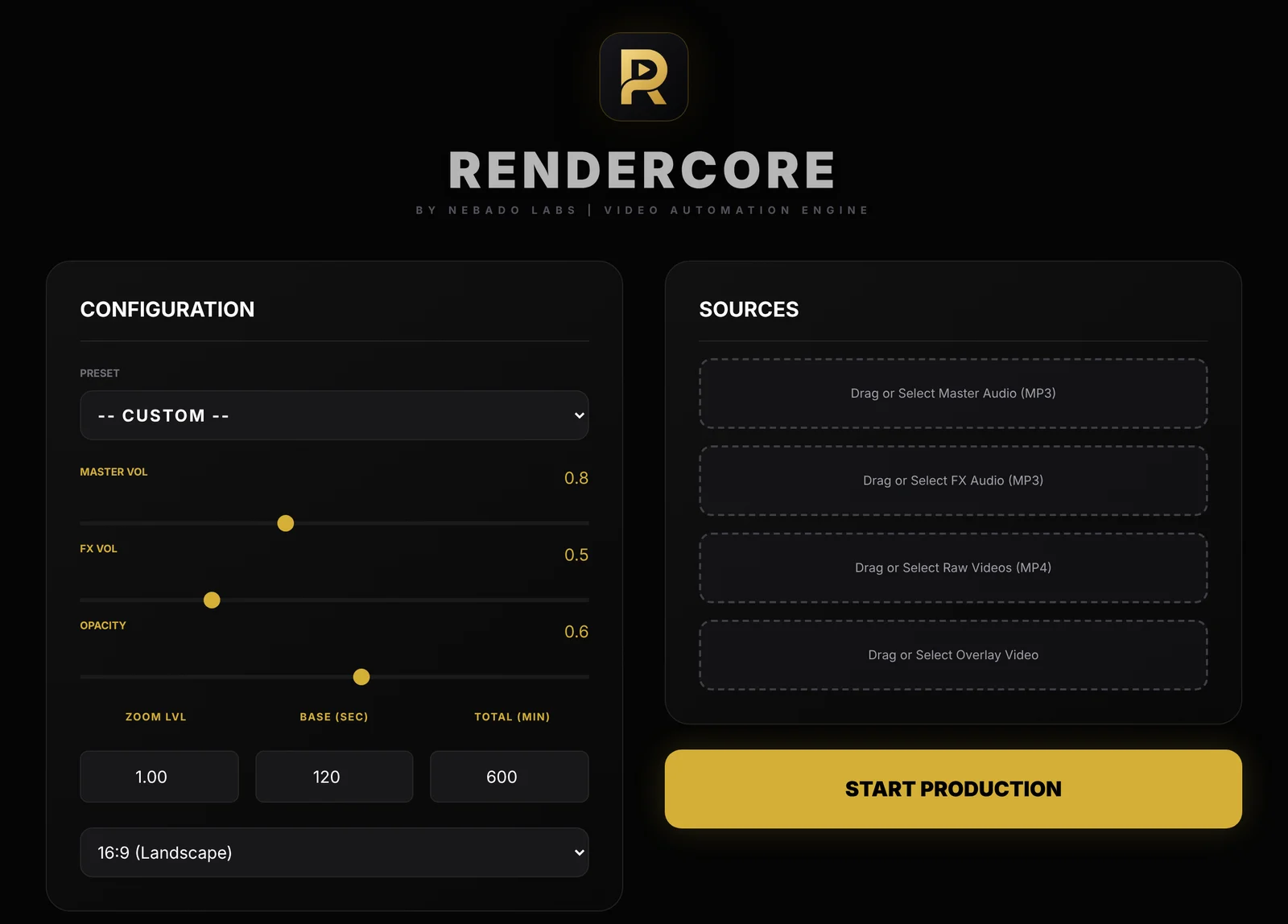
The RenderCore window: Configuration on the left, Sources on the right.
Try RenderCore free
No timeline dragging, no command line: pick a clip and a track, type the length, start. Every feature, no time limit. Videos made in trial mode carry a small watermark; a one-time license removes it. Windows 10 and 11, 64-bit.
Frequently asked questions
What is the best length for a sleep video?
8 hours covers a full night and is the most common. 10 hours adds margin. Check views per day in your niche to see which lengths are working right now.
Do longer videos rank better on YouTube?
Not by length alone. Longer videos can collect more watch time per viewer, but the video still has to match what people search for.
Should I make both short and long versions?
Often yes. A 1 to 3-hour version serves study and nap viewers, while 8 to 10 hours serves sleep.
What is the maximum length on YouTube?
YouTube currently accepts uploads of up to 12 hours or 256 GB, whichever is smaller, from verified accounts.